DeckSpace

DeckSpace

The home for AI‑generated presentations.

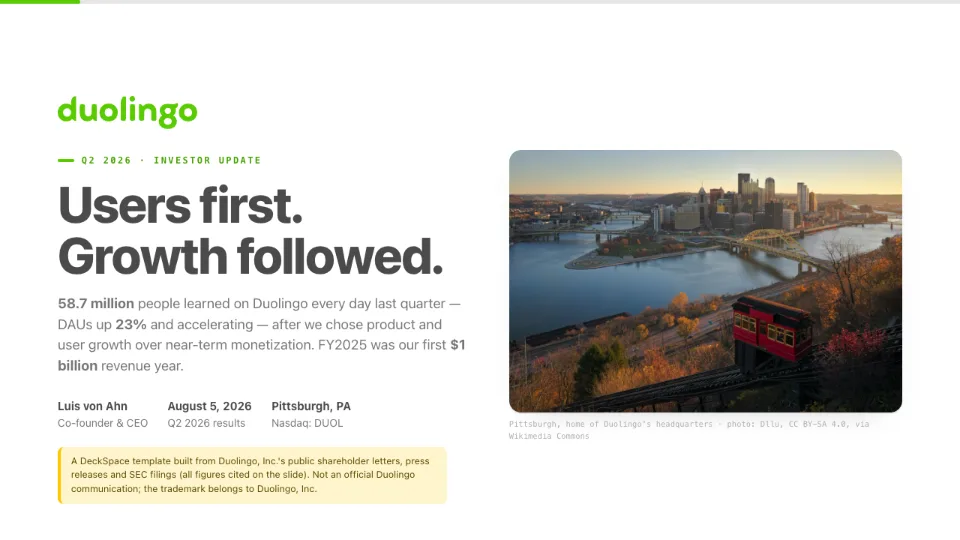
AI already writes remarkable decks — web pages, not slide files. DeckSpace is where they live.

Slides or free scroll — your call, or the AI's Your style, or AI-designed
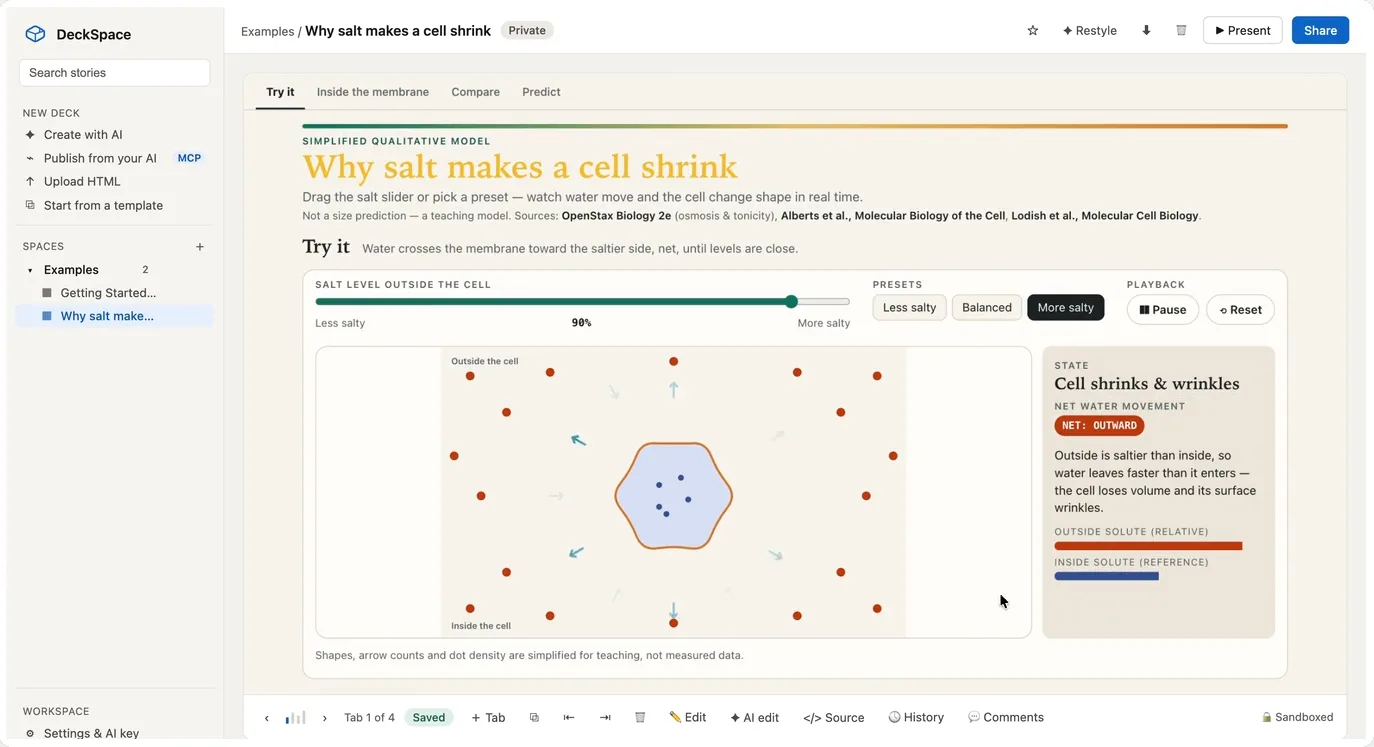
deckspace.org/live-example
Live — the charts recompute from data inside the page. Click it.

Generation is solved. Delivery wasn't.

The model hands you a great HTML file. Then it just… sits there.

What a file costs you

  • You can't fix a typo after sending it.
  • Nobody can reply on the slide they mean.
  • You can't present it to a room from a link.
  • It doesn't paste into Slack as anything.

What a home gives it

  • HostOne URL, always the current version — update it after sending.
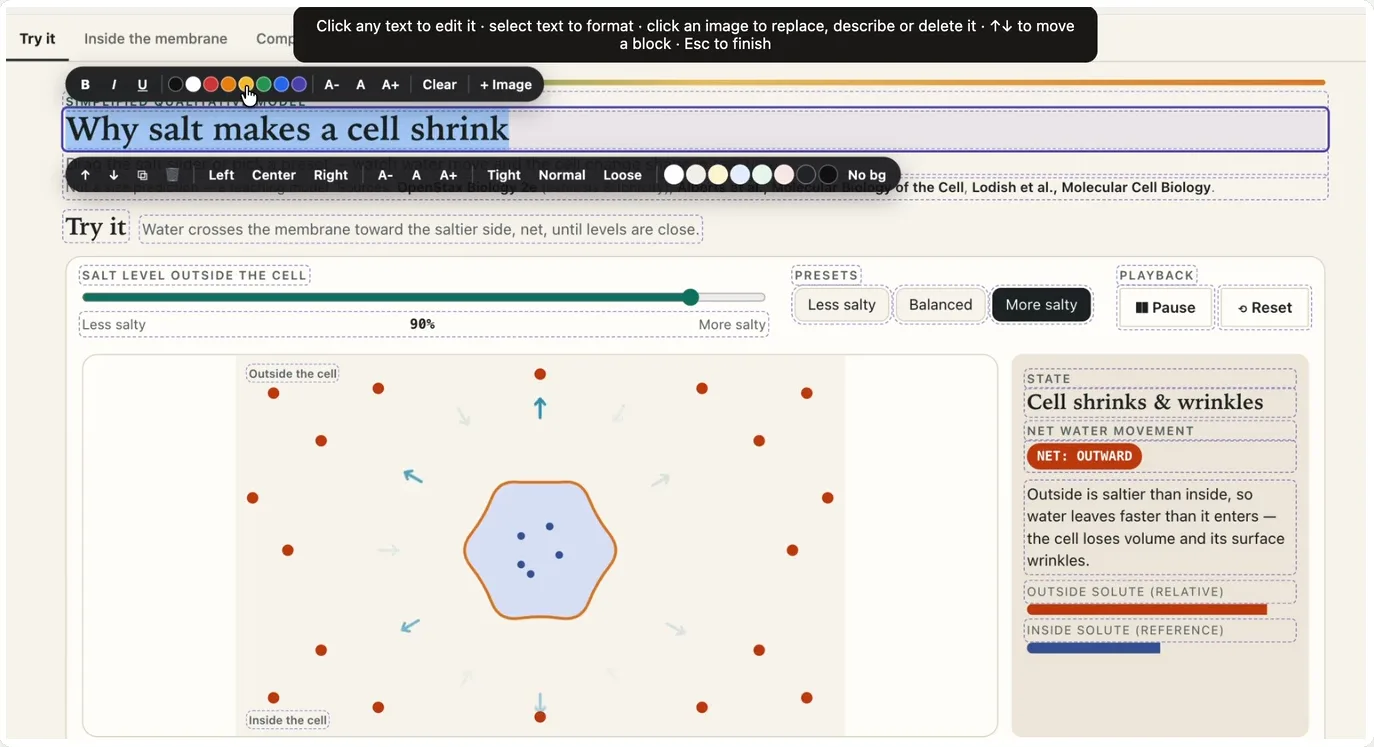
  • EditFix the words in place, right on the live deck.
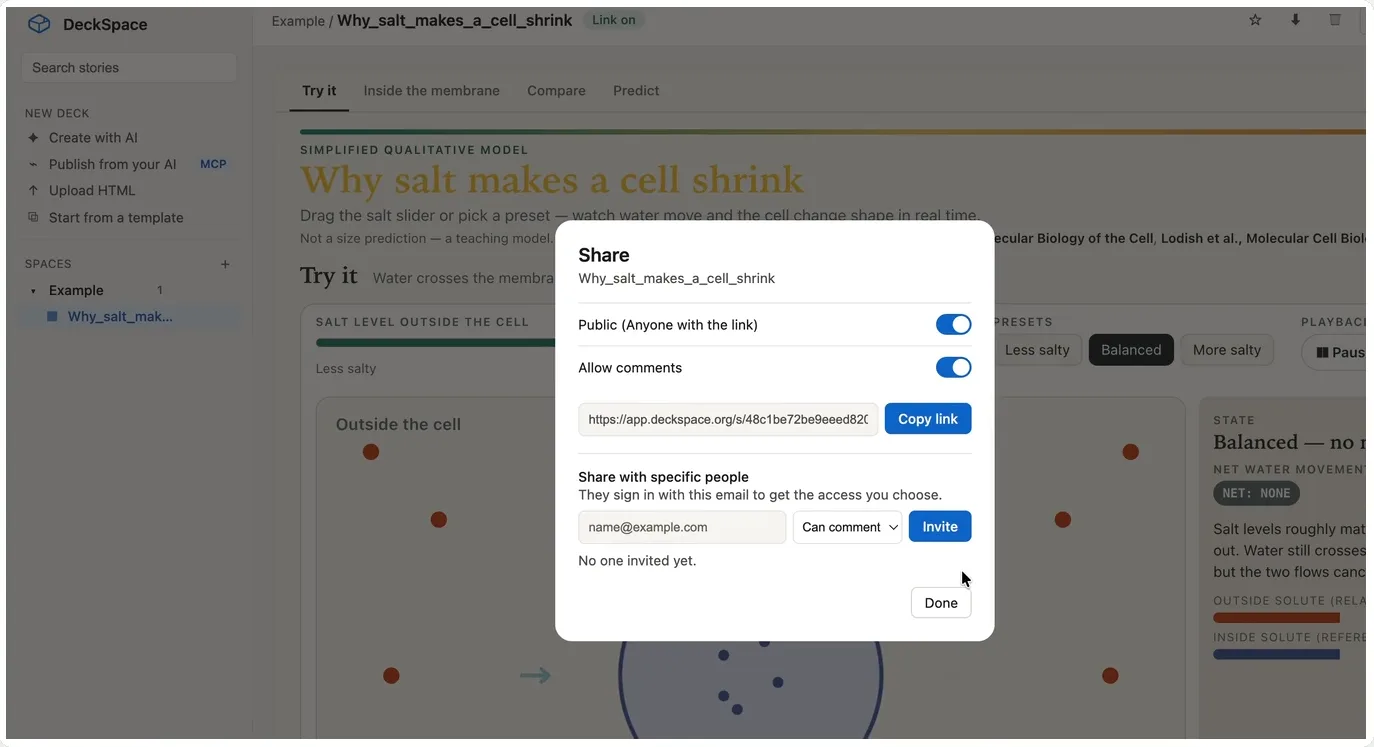
  • ShareA public link, or people with view, comment or edit roles.
  • CommentFeedback lands on the slide it's about.

Any form, in your style

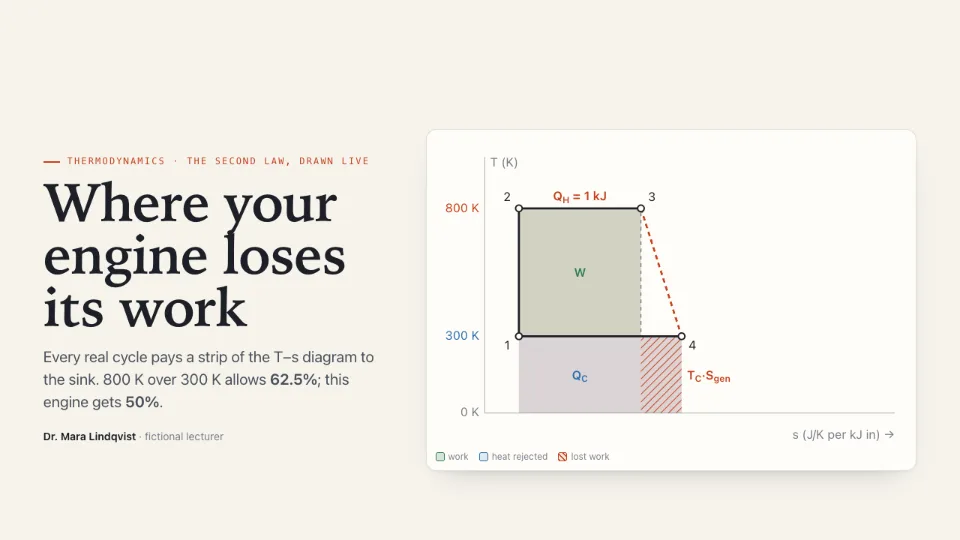
Slides, a document, or a dashboard — your call, or the AI's. And the style is yours to set two ways: describe it in a sentence, or hand it a deck you already use.

Slides

One view at a time, paced for a room.

Scrolling documents

One continuous page — long tables, real paragraphs.

Tabbed dashboards

Several views behind one link — like the demo up top.

Describe it in words “minimal, editorial, off-white — burnt-orange accents, generous margins”
…or hand it a template .pptxPDFHTMLscreenshot

About

Get in touch

Questions, bug reports, or a deck that came out wrong: hello@deckspace.org. Real replies, usually same day.

What we do and don't collect
Privacy · Terms

No trackers

No ad pixels, no third-party scripts, no profile of you. A few first-party counters record that something happened, never who. The only cookie is the one that keeps you signed in.

Your keys, encrypted

AI API keys are stored encrypted and used only for your own requests.

Links are the sharing model

A shared deck is readable by anyone holding its link. Sharing is off until you turn it on.